
Running Ubuntu Containers with Hyper-V Isolation on Windows

Dustin Kirkland
on 13 September 2017
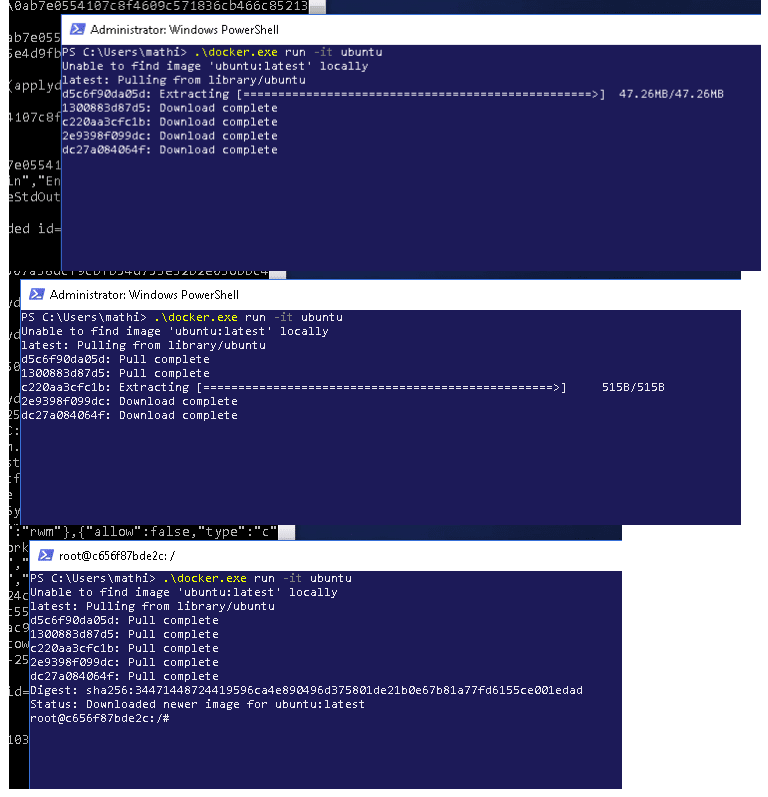
Canonical and Microsoft have teamed up to deliver an truly special experience — running Ubuntu containers with Hyper-V Isolation on Windows 10 and Windows Servers!
We have published a fantastic tutorial at https://ubu.one/UhyperV, with screenshots and easy-to-follow instructions. You should be up and running in minutes!
Follow that tutorial, and you’ll be able to launch Ubuntu containers with Hyper-V isolation by running the following directly from a Windows Powershell:
-
docker run -it ubuntu bash
Cheers!
Dustin
Talk to us today
Interested in running Ubuntu in your organisation?
Newsletter signup
Related posts
A look into Ubuntu Core 26: Cloud-powered edge computing with AWS IoT Greengrass and Azure IoT Edge
Welcome to this blog series which explores innovative uses of Ubuntu Core. Throughout this series, Canonical’s Engineers will show what you can build with...
CVE-2026-46333 (ssh-keysign-pwn) Linux kernel vulnerability mitigations
An information disclosure security vulnerability in the Linux kernel was publicly disclosed on May 15th, 2026. The vulnerability was reported by Qualys and...
Canonical launches Ubuntu Core 26
Ubuntu Core 26 introduces precise Linux builds, optimized OTA updates, live kernel patching, and enhanced hardware-backed protection for mission-critical...